Bot ManagementExample data
Bot Tune-up Report
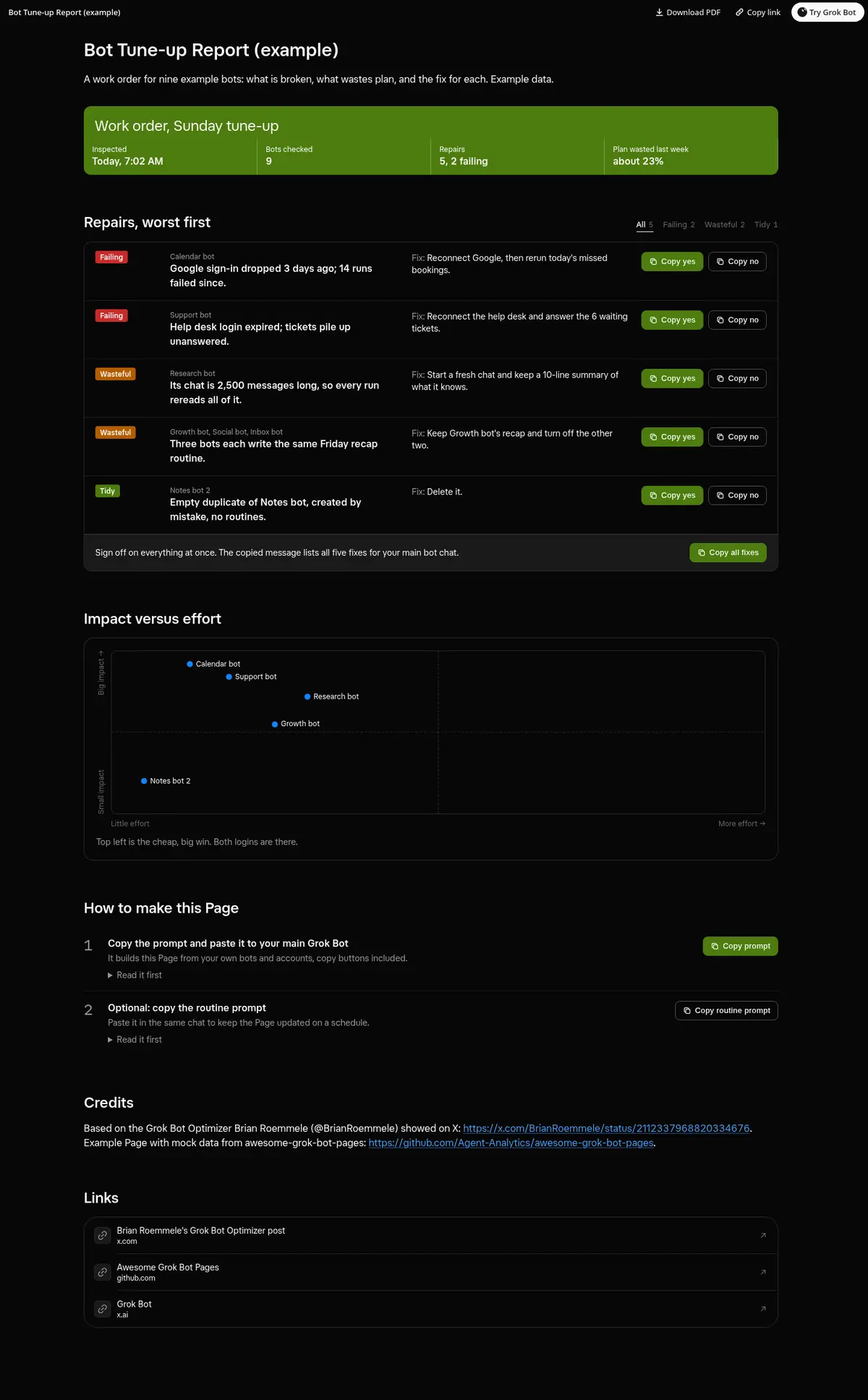
A weekly work order for your bots: what is failing, what wastes plan and what to tidy, each repair with its fix and copy buttons, a Copy all fixes button, a severity filter and an impact versus effort map.
Prompt
Prompt
Build me a wide Grok Bot Page called "Bot Tune-up Report" that reads like a mechanic's work order for my bots. Inspect every bot: chat length, failing logins or connectors, empty or duplicate bots, routines that do the same job, and what each one costs from my plan usage summary. Put an inspection header on top (when, how many bots, total issues), then one repair line per issue, worst first: the bot, what is wrong, the fix, impact and effort, with a filter by severity. Every repair line gets working copy buttons (Copy yes and Copy no) that copy a message I paste into this chat, plus one "Copy all fixes" button at the end, and each shows Copied after a click; if the clipboard is blocked, show the text to select. Add an impact versus effort chart of the repairs. Use only real data, show "unknown" instead of guessing, and fix nothing until I send the message.
Routine prompt (optional)
Keeps the Page updated
Create a routine that reruns my "Bot Tune-up Report" every Sunday at 6 PM. Each run, inspect every bot again, rebuild the work order with the same layout and copy buttons, mark repairs I already approved as done, and message me only if a bot is failing.
How to use it
- Copy the prompt and paste it into a chat with Grok Bot.
- Swap in your own bots, accounts or data sources where the prompt asks for them.
- If the prompt does not create a refresh routine, ask Grok Bot for one.
- To share your version, make a copy with mock data and make that copy public. Then get it listed.