ProductivityExample data
Bot Activity Dashboard
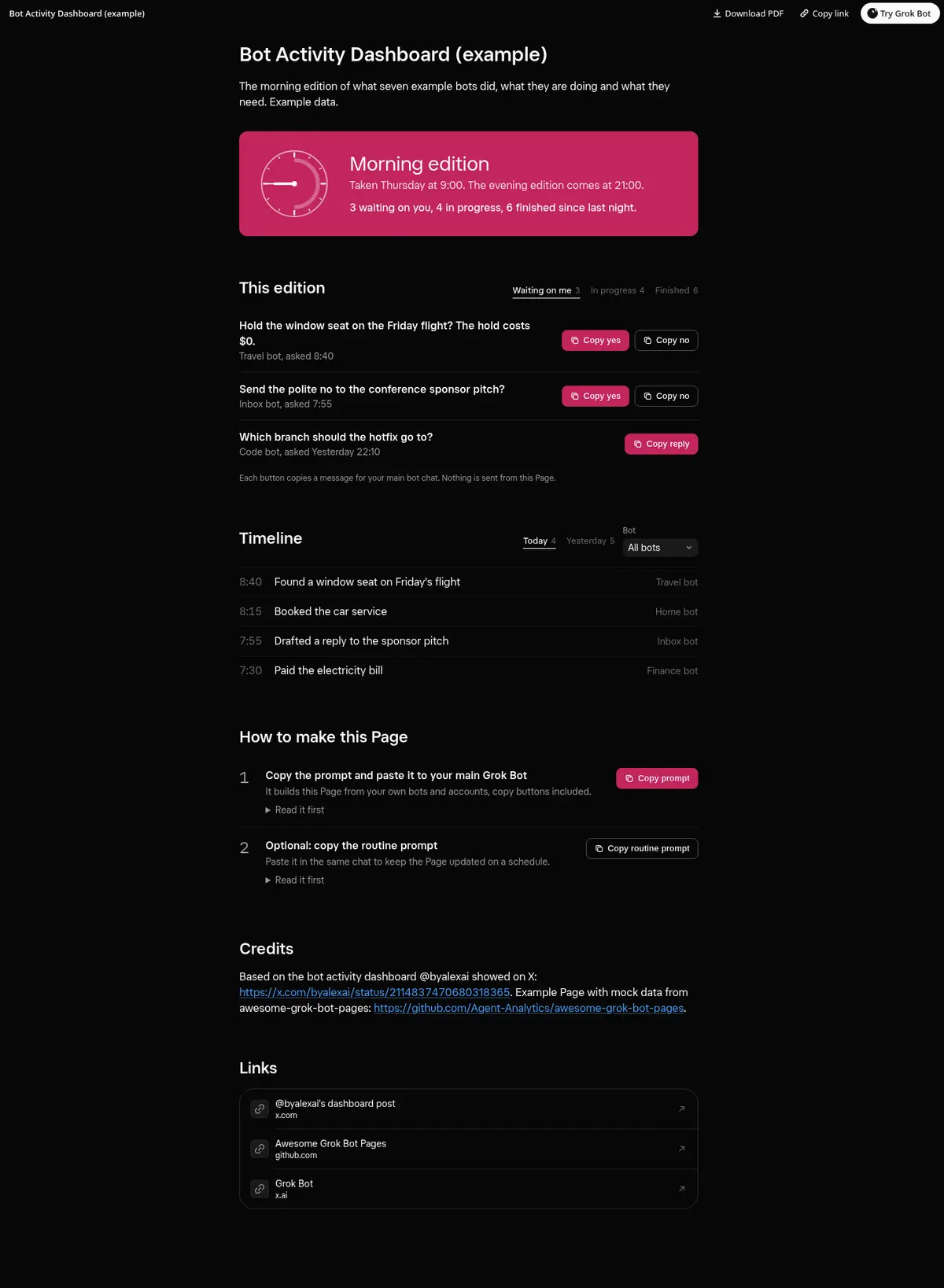
A morning and evening edition of what your bots did: counts for waiting on you, in progress and finished, tabs for each with copy buttons on what waits on you, and a timeline filterable by day and bot.
Prompt
Prompt
Build me a Grok Bot Page called "Bot Activity Dashboard" that works like a twice-daily edition of what my bots did. Ask each of my bots what it is waiting on me for, what it is working on and what it finished, and read their routines and recent runs. At the top, show when this edition was taken and when the next one comes, on a small clock. Then tabs for Waiting on me, In progress and Finished, each with a count. Waiting items show the bot, what it needs and when it asked, with working copy buttons (Copy yes and Copy no, or one short ready reply) that copy a message I paste into this chat and show Copied after a click; if the clipboard is blocked, show the text to select. In-progress items that recur show their schedule, like "Daily about 21:30", and when they last ran. Finished items show what was done and when. Below, an activity timeline with day tabs that show a count and a filter by bot. Use only real data and show "unknown" instead of guessing.
Routine prompt (optional)
Keeps the Page updated
Create a routine that refreshes my "Bot Activity Dashboard" Page twice a day, at 9:00 and 21:00. Each run, ask my bots what they wait on me for, what they are working on and what they finished, rebuild the edition with the same layout and copy buttons, and drop items I already answered. Message me only if something new waits on me.
How to use it
- Copy the prompt and paste it into a chat with Grok Bot.
- Swap in your own bots, accounts or data sources where the prompt asks for them.
- If the prompt does not create a refresh routine, ask Grok Bot for one.
- To share your version, make a copy with mock data and make that copy public. Then get it listed.